DocxIntel home
DocxIntel, a product of BizfyLabs
by
BizfyLabs
  • Capabilities
    • Analyse

      Resolve layout, reading order, tables and handwriting

    • Identify

      Pull entities, fields and clauses with coordinates

    • Classify

      Sort document types and split multi-page packets

    • Map

      Link and reconcile entities across your estate

    • Modify

      Redact, mask and transform documents safely

    • Ask

      Query your documents and get cited answers

    • All six capabilities, one platform→
  • Deployment
  • Accuracy
  • Industries
    • Banking & Financial Services

      Statements, KYC files, and financial filings

    • Insurance

      Claims, policies, and underwriting documents

    • Government & Public Sector

      Records, correspondence, and regulatory filings

    • Healthcare

      Patient records, referrals, and lab reports

    • Legal & Compliance

      Contracts, filings, and case documentation

    • Energy & Utilities

      Engineering documents, contracts, and reports

    • Every regulated industry we serve→
  • Pricing
  • Docs
Book a Demo
Home
DocXIntel

Menu

    • All capabilities
    • Analyse
    • Identify
    • Classify
    • Map
    • Modify
    • Ask
    • All industries
    • Banking & Financial Services
    • Insurance
    • Government & Public Sector
    • Healthcare
    • Legal & Compliance
    • Energy & Utilities
    • Deployment models
    • Reference architectures
    • Sizing & throughput
    • What's in the box
    • Security posture
    • Documentation
    • Accuracy benchmark
    • Pricing
    • Proof of Value
    • Compare
    • About
    • FAQ
    • Contact Us
Deployment

Four deployment models. You hold the keys in every one.

DocxIntel installs inside infrastructure you already control — a disconnected data centre, your own VPC, a dedicated single-tenant stack, or a time-boxed sandbox. The container images, the model weights and the API surface are identical across all four. Only the operating boundary changes.

  • Air-gapped by default, not by upgrade
  • Model weights ship in the bundle
  • No phone-home, no fallback cloud call
  • Fixed annual licence, never per page
Talk to a deployment engineer
See the reference architectures
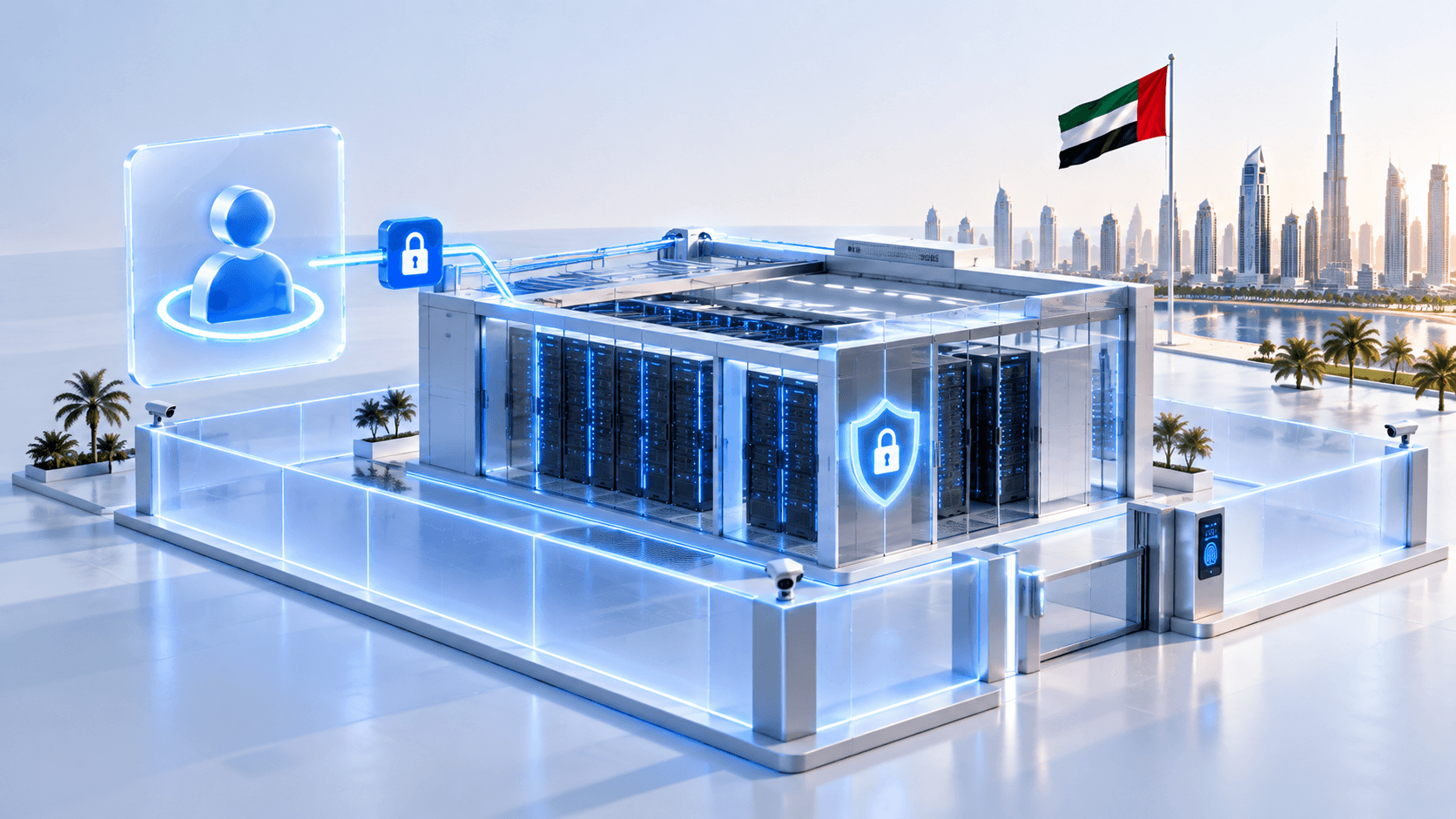
An air-gapped DocxIntel deployment running inside a customer data centre with no route to the public internet
4
Deployment models
same bundle, same images
0
Outbound connections required
air-gapped installs
1–2 days
Typical install window
once prerequisites are signed off
Your KMS
Key custody in every model
including managed single-tenant

Install windows assume the platform prerequisites below are already met — Kubernetes or Docker host provisioned, GPU drivers loaded, storage classes and ingress in place. Prerequisite work is scoped in writing before an install date is agreed.

The four models

Pick the boundary your regulator requires, not the one a vendor is willing to sell

Every model runs the same software on the same open-weight models. What differs is who operates the stack, where the perimeter sits, and how updates cross it.

Model 01

Air-gapped

A fully disconnected install inside your own data centre. No route to the internet, no proxy, no DNS beyond your own zones. Updates arrive as a signed offline bundle that you verify and import on your terms.

  • Zero outbound connections, verified at the firewall
  • Offline model bundle with SHA-256 manifest and cosign signature
  • Standard for central banks, defence and sovereign workloads
Model 02

Private cloud

DocxIntel deployed into your own AWS, Azure or OpenStack tenancy — your VPC, your subnets, your KMS. Private endpoints keep object storage and identity traffic off the public internet, and internet egress can be left switched off entirely.

  • Runs on EKS, AKS or self-managed Kubernetes in your account
  • Gateway and private endpoints instead of NAT egress
  • Cloud-native storage and key management, under your IAM
Model 03

Managed single-tenant

A dedicated stack — dedicated GPUs, dedicated database, dedicated model serving — operated day to day by BizfyLabs engineers under access you grant and can revoke. Nothing is shared with another customer at any layer.

  • No shared inference, no shared storage, no shared control plane
  • Break-glass named-user access through your IdP, sessions recorded
  • You keep key custody and can revoke operator access without downtime
Model 04

Evaluation sandbox

A single-node, time-boxed install for teams who want to put their own documents through the platform before committing to anything. One GPU, disposable storage, and a defined end date after which the environment is destroyed.

  • Single node, Docker Compose or a one-node Kubernetes cluster
  • Stands up in under a day on hardware you already have
  • Converts directly into a paid Proof of Value without reinstalling
Model 01

Air-gapped is the default, not the upsell

Most document AI platforms treat disconnection as an exception to be engineered around. DocxIntel is built the other way: the offline path is the primary path, and the connected deployments are the ones with extra convenience layered on top.

  • What you control: the hardware, the cluster, the storage, the identity provider, the keys and the model weights
  • Network posture: no outbound rules required at all — the platform never initiates an external connection, so there is nothing to allow-list and nothing to monitor for leakage
  • Updates: a signed offline bundle delivered on encrypted media or through your existing one-way transfer gateway, verified against a published SHA-256 manifest before it crosses the boundary
  • Licensing: an offline entitlement file with an expiry date, validated locally — no activation server, no heartbeat, no grace-period lockout
  • Who picks it: central banks and regulators, defence and national security, sovereign government programmes, and any organisation whose classification policy forbids a routable path out

An air-gapped install performs identical analysis, extraction and question answering to a connected one. There is no degraded offline mode because there is no online mode to degrade from.

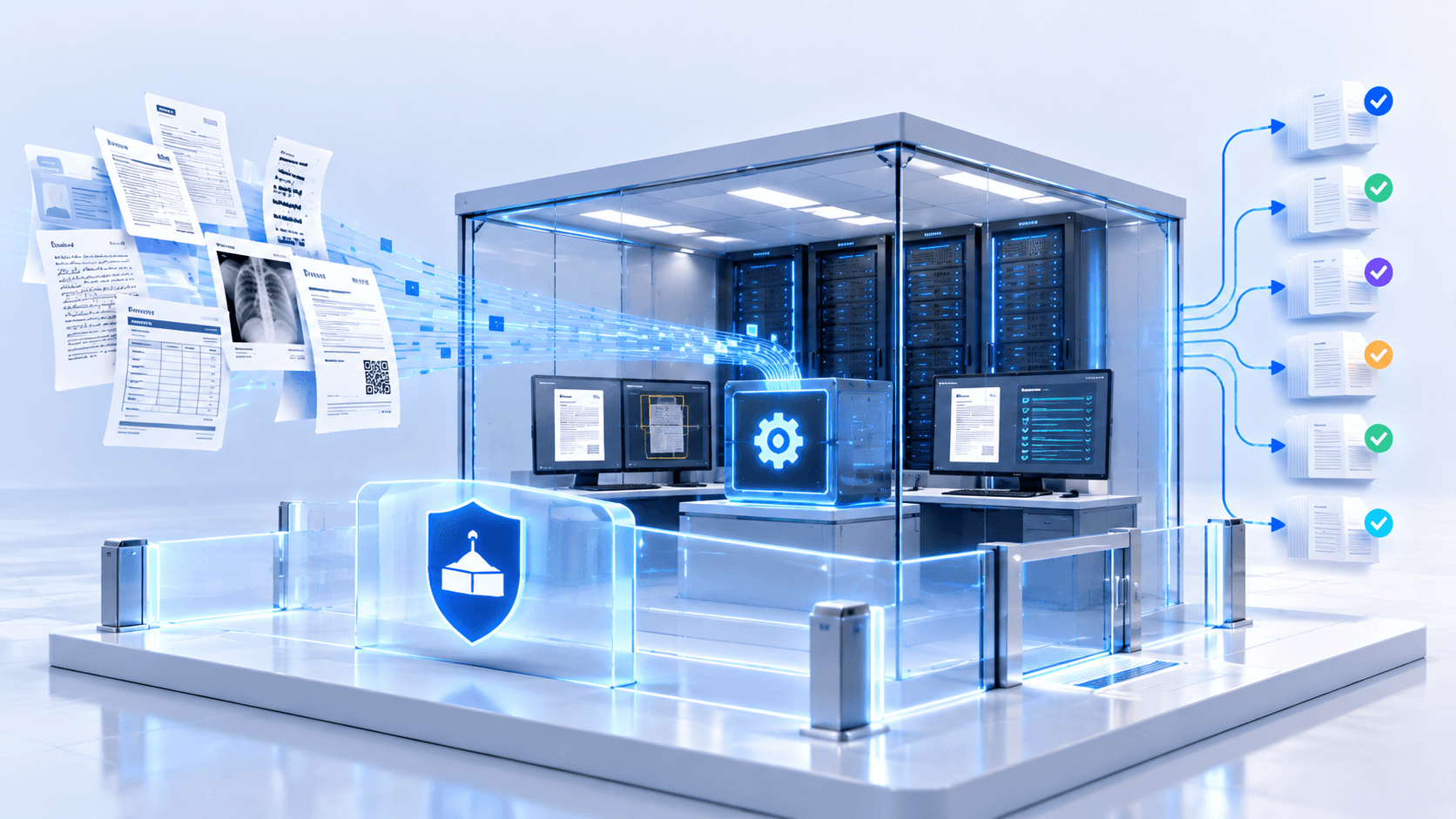
Air-gapped DocxIntel topology showing an internal registry mirror and offline model bundle inside the network boundary
Model 02

Private cloud, without an internet route

When the constraint is data residency and tenancy rather than physical disconnection, DocxIntel deploys into your own cloud account and stays inside it. The cluster runs in private subnets, reaches object storage over gateway or private endpoints, and needs no NAT gateway to function.

  • What you control: the account, the VPC or VNet, the IAM policies, the KMS keys and the lifecycle of every bucket and volume
  • Network posture: private subnets with no internet gateway, S3 or Blob reached over private endpoints, ingress terminated on your own load balancer with your own certificates
  • Updates: pulled from your internal container registry — ECR, ACR, Harbor or Artifactory — after you have mirrored and scanned the signed release, or imported from the same offline bundle used in air-gapped sites
  • Residency: every processing node, every volume and every backup stays in the region you select, which is what CBUAE outsourcing and UAE PDPL reviews actually ask about
  • Who picks it: banks and insurers with a cloud-first mandate, healthcare groups under the UAE Health ICT Law, and multinationals consolidating on a single cloud landing zone

Deploying inside your own cloud tenancy is data residency. It is not the same as air-gapped operation, and we will not describe it that way — if your policy requires physical disconnection, pick Model 01.

DocxIntel deployed inside a customer VPC with private subnets, private endpoints and no internet egress
Model 03

Managed single-tenant, with revocable operator access

Some organisations want the platform without the platform team. Managed single-tenant gives you a dedicated stack that BizfyLabs engineers operate — patching, upgrades, capacity, on-call — while custody of the data and the keys stays with you.

  • What you control: key custody, data lifecycle, identity, network policy and the right to revoke operator access at any moment
  • Network posture: identical to private cloud or on-premise, plus a controlled administrative path — bastion or PrivateLink, mutual TLS, no standing credentials and no shared jump host
  • Isolation: dedicated GPUs, dedicated PostgreSQL, dedicated object storage and dedicated model serving; there is no multi-tenant layer anywhere in the stack to be isolated from
  • Updates: applied by BizfyLabs inside your agreed maintenance window, with a rollback plan and a canary namespace, from the same signed images you can verify yourself
  • Who picks it: teams with a strong regulatory position and a small infrastructure function — mid-size insurers, hospital groups, government departments running lean platform teams

Managed does not mean multi-tenant. Every operator action runs through your identity provider, is scoped to a named engineer, and is recorded in an audit trail you can export.

Managed single-tenant DocxIntel deployment showing dedicated infrastructure and a break-glass administrative path
Model 04

Evaluation sandbox, on your documents, in a day

The fastest way to find out whether DocxIntel reads your documents is to run your documents through it. The sandbox is a single-node install designed to be stood up quickly, used hard for a few weeks and then destroyed.

  • What you control: the host, the documents you load, and the moment the environment is torn down
  • Network posture: laptop-adjacent by design — a single host with one GPU, reachable only from your network, with no requirement for outbound connectivity
  • Footprint: one GPU, 16 vCPU and 128 GB RAM runs the full capability set at roughly 1,800 pages per hour on mixed scanned business documents
  • Updates: not applicable — a sandbox is pinned to one release for the life of the evaluation so that accuracy results stay comparable
  • Who picks it: architecture and data teams doing early diligence, and anyone who wants a benchmark number from their own hardware before a procurement conversation starts

Sandbox results carry forward. The extraction schemas and classification taxonomies you build during evaluation import directly into the Proof of Value and then into production.

Single-node DocxIntel evaluation sandbox running on one GPU host inside a customer network
Side by side

How the four deployment models differ

The software is the same in every column. What changes is the perimeter, the operator and the path an update takes to reach you.

How the four deployment models differ
CriterionAir-gappedPrivate cloudManaged single-tenantEvaluation sandbox
Network egressNone permittedno route to the internet existsNone requiredprivate endpoints, no NAT gatewayAdmin path onlymutual TLS, named users, recordedNone required
Model weights locationYour storage, offline bundleYour registry and volumesYour tenancy, your volumesLocal disk on the sandbox host
Update mechanismSigned offline bundle you importSHA-256 manifest, cosign signatureMirrored images, Helm upgradeBizfyLabs, in your maintenance windowcanary namespace and rollback planPinned for the evaluation
Key custodyYou — internal KMS or HSMYou — cloud KMS in your accountYou — operators never hold keysYou — sandbox-local, disposable
Typical time to deploy1–2 days on siteafter prerequisites are signed off3–5 business daysincluding landing-zone review5–10 business daysHalf a day
Best forSovereign, defence, central bankingCloud-mandated banks and insurersLean platform teams, strict regulatorsDiligence and benchmarking

Network egress

Air-gapped
None permittedno route to the internet exists
Private cloud
None requiredprivate endpoints, no NAT gateway
Managed single-tenant
Admin path onlymutual TLS, named users, recorded
Evaluation sandbox
None required

Model weights location

Air-gapped
Your storage, offline bundle
Private cloud
Your registry and volumes
Managed single-tenant
Your tenancy, your volumes
Evaluation sandbox
Local disk on the sandbox host

Update mechanism

Air-gapped
Signed offline bundle you importSHA-256 manifest, cosign signature
Private cloud
Mirrored images, Helm upgrade
Managed single-tenant
BizfyLabs, in your maintenance windowcanary namespace and rollback plan
Evaluation sandbox
Pinned for the evaluation

Key custody

Air-gapped
You — internal KMS or HSM
Private cloud
You — cloud KMS in your account
Managed single-tenant
You — operators never hold keys
Evaluation sandbox
You — sandbox-local, disposable

Typical time to deploy

Air-gapped
1–2 days on siteafter prerequisites are signed off
Private cloud
3–5 business daysincluding landing-zone review
Managed single-tenant
5–10 business days
Evaluation sandbox
Half a day

Best for

Air-gapped
Sovereign, defence, central banking
Private cloud
Cloud-mandated banks and insurers
Managed single-tenant
Lean platform teams, strict regulators
Evaluation sandbox
Diligence and benchmarking

Licensing does not change between models. DocxIntel is a fixed annual licence sized by deployment footprint — GPU count and environment count — never by pages processed, so re-running your archive after a model update costs nothing.

See how the licence is sized
Rollout

What a typical deployment actually looks like

From first architecture call to production sign-off. The sequence is the same in every model; only the duration of step 4 changes.

  1. 1
    Week 0

    Architecture review and prerequisite sign-off

    One session with your infrastructure, security and data teams. We agree the deployment model, the target cluster, GPU class and count, storage classes, ingress, identity integration and the document intake path. The output is a written prerequisite checklist, not a proposal deck.

  2. 2
    Week 1

    Your team prepares the platform

    Nodes provisioned, NVIDIA drivers and container toolkit installed, storage classes created, ingress and certificates in place, OIDC or SAML client registered, and the internal registry ready to receive images. Nothing here is DocxIntel-specific — it is standard platform work your team already knows.

  3. 3
    Week 1

    The signed bundle crosses your boundary

    You receive the release bundle — OCI image archives, model weights, Helm chart, SBOM and a SHA-256 manifest with a cosign signature. You verify it, scan it with your own tooling, and load it into your registry. In air-gapped sites this arrives on encrypted media or through your one-way transfer gateway.

  4. 4
    Week 2

    Install, integrate and smoke-test

    A single Helm release brings up the gateway, orchestrator, GPU services, worker pool and admin console. We connect your identity provider, wire the intake path, run the built-in health and GPU validation suite, and process a known document set end to end.

  5. 5
    Weeks 2–5

    Calibrate against your own documents

    Extraction schemas, classification taxonomies and confidence thresholds are tuned on your real document mix, including the difficult tail — phone photos, handwritten Arabic, stamped contracts and multi-generation faxes. Field-level accuracy is measured against a human-adjudicated ground truth.

  6. 6
    Week 6

    Operational handover

    Runbooks, dashboards, alert thresholds, backup and restore drills, and an upgrade rehearsal. Your team performs the first upgrade themselves with us alongside, so the second one does not need us at all.

Reference

Platform prerequisites

What needs to exist before install day. These are the same in all four deployment models, and every one of them is standard platform infrastructure rather than something DocxIntel invents.

Orchestration and runtime

Kubernetes
v1.28 to v1.32, with containerd 1.7+. Tested on vanilla Kubernetes, OpenShift 4.14+, EKS, AKS and RKE2
Helm
v3.14 or later. The chart is delivered in the bundle and installs as a single release
Single-node alternative
Docker Engine 24.0+ with Compose v2.24+, for evaluation sandboxes and small production sites
Host operating system
RHEL 8.8+ or 9.2+, Rocky Linux 9, Ubuntu 22.04 or 24.04 LTS, SLES 15 SP5. x86_64 only
Container registry
Any OCI-compliant internal registry — Harbor, Artifactory, ECR, ACR, Quay — reachable from every node

Compute and GPU

GPU class
NVIDIA L40S 48 GB is the reference worker. A100 80 GB, H100 80 GB, L4 24 GB and RTX 6000 Ada are all supported
Minimum GPU count
One GPU for a sandbox or small site; two or more for production, so a node can be drained without stopping intake
Driver and toolkit
NVIDIA driver 550 or later, CUDA 12.4 runtime, NVIDIA Container Toolkit 1.15+, GPU Operator 24.x on Kubernetes
CPU and memory per GPU node
16 vCPU and 128 GB RAM per GPU as a baseline — page normalisation and PDF rendering are CPU-bound, not GPU-bound
Control-plane nodes
Three CPU-only nodes at 8 vCPU and 32 GB each for a highly available cluster; one node is sufficient for evaluation

Storage

Local scratch
NVMe SSD, 2 TB per GPU node, for page render cache and model weights. Weights alone occupy roughly 46 GB
Block storage
A CSI storage class supporting ReadWriteOnce, 500 GB minimum for PostgreSQL, with snapshot support preferred
Object storage
Any S3-compatible endpoint — MinIO, Ceph RGW, NetApp StorageGRID, Dell ECS, AWS S3 or Azure Blob via the S3 gateway
Capacity planning
Roughly 30 GB of DocxIntel-owned storage per 100,000 pages at steady state — see sizing and throughput

Network and ingress

Ingress
NGINX Ingress 1.10+, HAProxy, F5 or any L7 load balancer you already operate. TLS 1.2 and 1.3, your certificates
Inbound ports
TCP 443 to the gateway and console. No other inbound port is required from outside the cluster
Outbound requirements
None. The platform never initiates an external connection in any deployment model
DNS and certificates
Two internal DNS names — API and console — resolvable inside your zones, with certificates from your own CA

Identity and integration

Single sign-on
OIDC (Entra ID, Keycloak, Okta, Ping) or SAML 2.0. Group claims map to DocxIntel roles without manual sync
Provisioning
SCIM 2.0 for automated user and group lifecycle, optional. Local accounts are available for break-glass only
Key management
KMIP 1.4+, PKCS#11 HSM, AWS KMS, Azure Key Vault or HashiCorp Vault. Keys never leave your custody
Observability
Prometheus scrape on 9090, OpenTelemetry OTLP export on 4317, structured JSON logs to your existing collector
Database
PostgreSQL 15 or 16 with the pgvector extension. Ships in the bundle, or point at your own managed instance

Exact figures for your environment are confirmed against your document mix and volume during the architecture review, and again on your own hardware during the Proof of Value. Installation reference material is maintained in the product documentation.

What infrastructure teams ask before install day

The questions that decide whether a deployment gets approved, answered without hedging.

Neither. Air-gapped is the default assumption the product is built around, and it is available on every licence. There is no premium SKU, no enterprise gate and no separate air-gap edition — the same signed bundle installs in a disconnected data centre and in a connected VPC. Vendors who gate self-hosting behind their top tier are describing a different product shape.

No. Licence enforcement is a signed offline entitlement file with an expiry date, validated locally. Telemetry is written to your own Prometheus and OpenTelemetry endpoints, or to nothing at all. Model and image updates arrive as a signed bundle you choose to import — there is no background fetch and no fallback call to an external service if a local model is unavailable.

You do. The stack runs against your KMS or HSM, and BizfyLabs operators hold named break-glass credentials issued through your identity provider, not standing administrative access. Sessions are recorded, scoped and revocable by you at any time. If you withdraw access, the platform keeps running — operations pause, processing does not.

Yes, and most evaluations do exactly that. The container images, Helm chart, configuration schema and API surface are identical across all four models, so moving from an evaluation sandbox to an air-gapped production cluster is a redeploy against different infrastructure rather than a migration. Extraction schemas, classification taxonomies and review queues export and import as configuration.

Inbound HTTPS on 443 to the ingress, and outbound access to whatever storage and identity systems you already run. Nothing else. An air-gapped install needs no route to the internet at all, no DNS resolution beyond your own zones, and no proxy allow-list. Full port and protocol detail is on the reference architectures page.

As a versioned offline bundle: OCI image archives, model weights, the Helm chart and a SHA-256 manifest with a cosign signature. You verify the signature on your side of the boundary, load the images into your internal registry, and roll the release with a standard Helm upgrade. Releases are cumulative, so a cluster that has been offline for three quarters can move forward in one step.

Keep reading

Reference architectures→Five concrete topologies — single node, HA on-premise, air-gapped, private cloud and multi-site DR.Sizing and throughput→GPU count, vCPU, RAM and storage for 50K to 5M pages a month, with expected pages per hour.What's in the box→Every container image, model, chart and document that ships in the deployment bundle.Security architecture→Isolation, key custody, audit trails and how the controls map to your own certification work.Model licences→The open-weight models in the bundle, their licences, and what you are permitted to do with them.Installation documentation→Step-by-step install guides, Helm values reference and upgrade procedures.

Bring your architecture. We will size it on the call.

Thirty to forty-five days, fixed fee, deployed in your environment. The accuracy threshold and the conversion price are both agreed in writing before we begin.

Talk to an engineer
How the Proof of Value works
  • No per-page metering
  • Runs in your environment
  • Written accuracy threshold
DocxIntel Logo

A product of BizfyLabs

Document intelligence that never leaves your building. Analyse, identify, classify, map, modify and ask — inside your own infrastructure.

BizfyLabs on LinkedInDocxIntel documentationBizfyLabs

Product

  • Capabilities
    • Analyse
    • Identify
    • Classify
    • Map
    • Modify
    • Ask
  • Accuracy benchmark
  • Pricing
  • Proof of Value

Technical

  • Deployment models
  • Reference architectures
  • Sizing & throughput
  • What's in the box
  • Security posture
  • Model licences
  • Documentation
  • API reference

Solutions

  • All industries
  • Insurance & TPAs
  • Healthcare
  • Banking & finance
  • Government
  • Legal
  • Energy & logistics

Compare

  • Compare approaches
  • LlamaParse alternative
  • Docsumo alternative
  • On-premise document AI

Company

  • About DocxIntel
  • FAQ
  • Partners
  • BizfyLabs
  • Careers
  • Contact

© 2026 BizfyLabs FZC LLC. All rights reserved.

DocxIntel™ is a product of BizfyLabs FZC LLC.

  • Privacy Policy·
  • Terms of Service·
  • Data Processing Addendum·
  • Acceptable Use·
  • Model Licences·
  • Security·
  • Cookies

Registered in the United Arab Emirates. Delivery partner: Bizfy Solutions LLP, Indore, India.

DocxIntel