DocxIntel home
DocxIntel, a product of BizfyLabs
by
BizfyLabs
  • Capabilities
    • Analyse

      Resolve layout, reading order, tables and handwriting

    • Identify

      Pull entities, fields and clauses with coordinates

    • Classify

      Sort document types and split multi-page packets

    • Map

      Link and reconcile entities across your estate

    • Modify

      Redact, mask and transform documents safely

    • Ask

      Query your documents and get cited answers

    • All six capabilities, one platform→
  • Deployment
  • Accuracy
  • Industries
    • Banking & Financial Services

      Statements, KYC files, and financial filings

    • Insurance

      Claims, policies, and underwriting documents

    • Government & Public Sector

      Records, correspondence, and regulatory filings

    • Healthcare

      Patient records, referrals, and lab reports

    • Legal & Compliance

      Contracts, filings, and case documentation

    • Energy & Utilities

      Engineering documents, contracts, and reports

    • Every regulated industry we serve→
  • Pricing
  • Docs
Book a Demo
Home
DocXIntel

Menu

    • All capabilities
    • Analyse
    • Identify
    • Classify
    • Map
    • Modify
    • Ask
    • All industries
    • Banking & Financial Services
    • Insurance
    • Government & Public Sector
    • Healthcare
    • Legal & Compliance
    • Energy & Utilities
    • Deployment models
    • Reference architectures
    • Sizing & throughput
    • What's in the box
    • Security posture
    • Documentation
    • Accuracy benchmark
    • Pricing
    • Proof of Value
    • Compare
    • About
    • FAQ
    • Contact Us
Reference architectures

Topologies you can take straight into a design review.

Five reference architectures for deploying DocxIntel on your own infrastructure — components, data flow, GPU placement, intake paths, network boundaries and what belongs in front. Concrete enough to argue with, which is the point.

  • Five documented topologies
  • GPU tier scales independently
  • No outbound connection required
  • Ports and protocols published
Review your topology with an engineer
Compare deployment models
A DocxIntel reference architecture showing ingress, orchestrator, GPU worker tier and storage inside a private network boundary
5
Reference topologies
evaluation through multi-site DR
1 port
Inbound from outside the cluster
TCP 443 to the ingress
6 paths
Document intake surfaces
folder, object store, DMS, SFTP, mail, API
15 min
Typical DR recovery point
active-passive, async replication

These are reference targets for a correctly provisioned environment, not contractual guarantees. Every number here is meant to be validated against your own hardware during the Proof of Value.

The five architectures

Reference architectures for on-premise document intelligence

Each topology uses the same container images, the same Helm chart and the same open-weight models. What changes is node count, failure domain and how the boundary is crossed.

RA-01

Single-node evaluation

Everything on one host: gateway, orchestrator, GPU services, PostgreSQL, MinIO and the admin console, deployed with Docker Compose or a one-node Kubernetes cluster. Built for diligence, benchmarking and small departmental sites.

  • 1× L40S 48 GB, 16 vCPU, 128 GB RAM, 2 TB NVMe
  • Roughly 1,800 pages per hour on mixed scanned documents
  • No high availability — a host failure is an outage
RA-02

HA multi-node on-premise Kubernetes

The standard production topology. Three control-plane nodes, two or more CPU nodes for stateless services, and a GPU worker pool that scales horizontally. PostgreSQL runs with a synchronous replica, object storage on your existing S3-compatible platform.

  • Survives the loss of any single node without dropping a job
  • GPU nodes cordon and drain during patching, intake keeps running
  • Rolling upgrades through a canary namespace before the main release
RA-03

Air-gapped with internal registry mirror

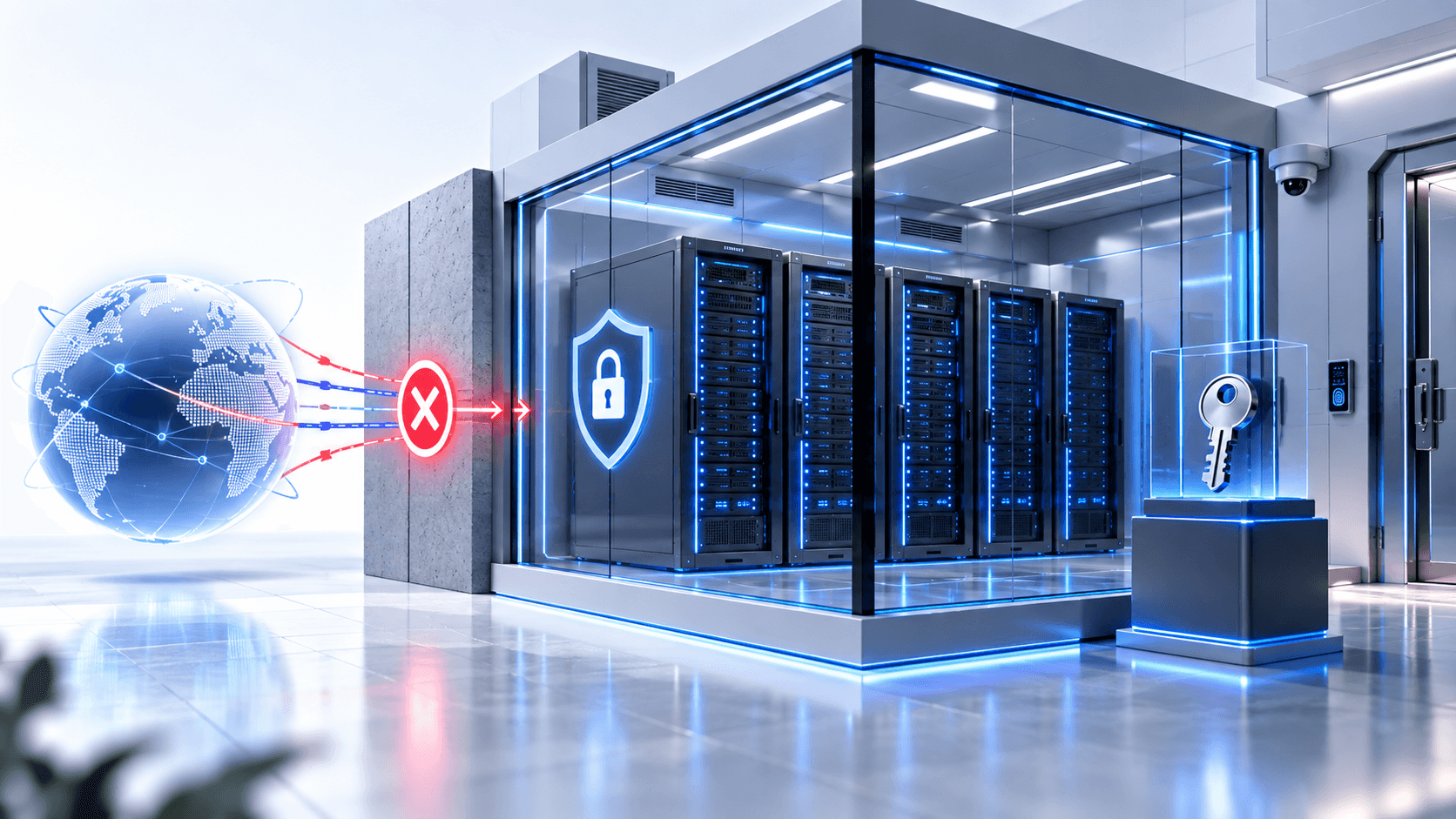
RA-02 with the boundary closed. Images live in your internal Harbor or Artifactory, model weights come from the offline bundle on a ReadWriteMany volume, and every Helm value points inward. No pod can reach anything you have not put in front of it.

  • Offline model bundle, roughly 46 GB, SHA-256 manifest and cosign signature
  • Registry mirror populated by media transfer or one-way gateway
  • Zero egress rules — there is nothing to allow-list
RA-04

Private-cloud VPC with private endpoints

EKS or AKS in private subnets with no internet gateway. Object storage reached over a VPC gateway endpoint or Azure Private Endpoint, secrets from your cloud KMS, images from ECR or ACR mirrored into your account.

  • GPU node group on g6e or NC-series, autoscaled by queue depth
  • No NAT gateway, no public subnet, no egress to the internet
  • Region-pinned storage and backups for residency review
RA-05

Active-passive multi-site DR

Two full stacks in two failure domains. The primary processes; the secondary holds a warm PostgreSQL standby, replicated object storage and a DocxIntel release pre-installed with GPU workers scaled to zero until they are needed.

  • Asynchronous replication, 15-minute RPO and 60-minute RTO targets
  • Global load balancer or DNS failover in front of both ingresses
  • Quarterly failover drills, scripted and reversible
Common to all

What every topology shares

The same nine services, the same intake surfaces, the same audit trail and the same field-level traceability. Whatever the topology, every extracted value keeps its page number, bounding box and confidence score.

  • Mutual TLS on all east-west traffic, certificates issued at install
  • OIDC or SAML at the edge, group claims mapped to roles
  • Prometheus metrics and OTLP traces to your own collectors
See every component in the bundle →
RA-02 in detail

Highly available on-premise Kubernetes

The topology most production sites land on. Three control-plane nodes carry etcd and the scheduler; a stateless CPU tier runs the gateway, orchestrator, worker pool and admin console; a GPU pool runs layout and OCR, extraction, classification and LLM serving. Each tier scales for a different reason.

  • Components: ingress → API gateway → orchestrator → Redis job queue → GPU service pool → PostgreSQL 16 with pgvector → S3-compatible object storage → admin and reviewer console
  • Data flow: a document lands in intake, the orchestrator writes a job record and enqueues page tasks, GPU workers pull batches, results are written to object storage and indexed in PostgreSQL, and a webhook or connector notifies your downstream system
  • GPU placement: only the layout and OCR, extraction, classification and LLM serving pods request GPUs. Everything else is CPU-only, so you buy GPU capacity for inference and nothing else
  • Failure domains: three control-plane nodes across separate racks or hypervisors, a synchronous PostgreSQL replica, and at least two GPU nodes so one can be drained for patching
  • In front of it: your L7 load balancer terminating TLS, your identity provider issuing tokens, and a WAF if your policy requires one. DocxIntel does not need to be internet-facing

Queue depth is the scaling signal that matters. Adding a GPU node adds throughput close to linearly up to the point where your object storage or PDF rendering tier becomes the constraint — which is usually where the interesting capacity conversation starts.

Highly available on-premise Kubernetes topology with separate control-plane, CPU and GPU node pools
RA-03 in detail

Air-gapped, with an internal mirror and an offline model bundle

Closing the boundary changes two things and nothing else: where images come from, and how model weights arrive. The service graph, the ports, the storage layout and the API surface are identical to the connected topology.

  • Registry mirror: the release bundle ships OCI image archives, not registry references. You verify the signature, load the archives into Harbor or Artifactory inside the boundary, and every Helm value resolves to that mirror
  • Offline model bundle: roughly 46 GB of open-weight model files on a ReadWriteMany volume, mounted read-only by the GPU services. Weights are checksummed at pod start, so a corrupted transfer fails loudly rather than quietly degrading accuracy
  • Intake: watched SMB or NFS folders and an internal S3-compatible store are the usual paths, because they need no new network rules and no new credentials
  • Boundary crossing: encrypted physical media or your existing one-way transfer gateway. Nothing crosses back — there is no telemetry return path to configure or to justify
  • Verification: the platform ships a validation job that checks image digests, model checksums, GPU availability and end-to-end processing on a known document set before you route real traffic to it

Licence enforcement is a locally validated offline entitlement file. There is no activation server, no heartbeat and no grace-period lockout to plan around.

Air-gapped topology with an internal container registry mirror and an offline model bundle inside the network boundary
RA-04 in detail

Private-cloud VPC with no internet egress

A cloud landing zone that satisfies residency review without pretending to be air-gapped. The cluster sits in private subnets with no internet gateway attached, and every dependency it needs is reached over a private path inside your account.

  • AWS shape: EKS 1.30 in private subnets, GPU node group on g6e instances, S3 over a VPC gateway endpoint, Secrets Manager and KMS over interface endpoints, images from ECR in the same account
  • Azure shape: AKS with a private API server, NC- or NV-series GPU node pool, Blob Storage over a Private Endpoint with the S3-compatible gateway, Key Vault over Private Link, images from ACR
  • Egress posture: no NAT gateway and no public subnet. If your policy demands proof, the absence of a route is easier to evidence than an allow-list is to audit
  • Autoscaling: the GPU node group scales on orchestrator queue depth rather than CPU, so bulk backlogs add capacity and interactive traffic is never starved behind them
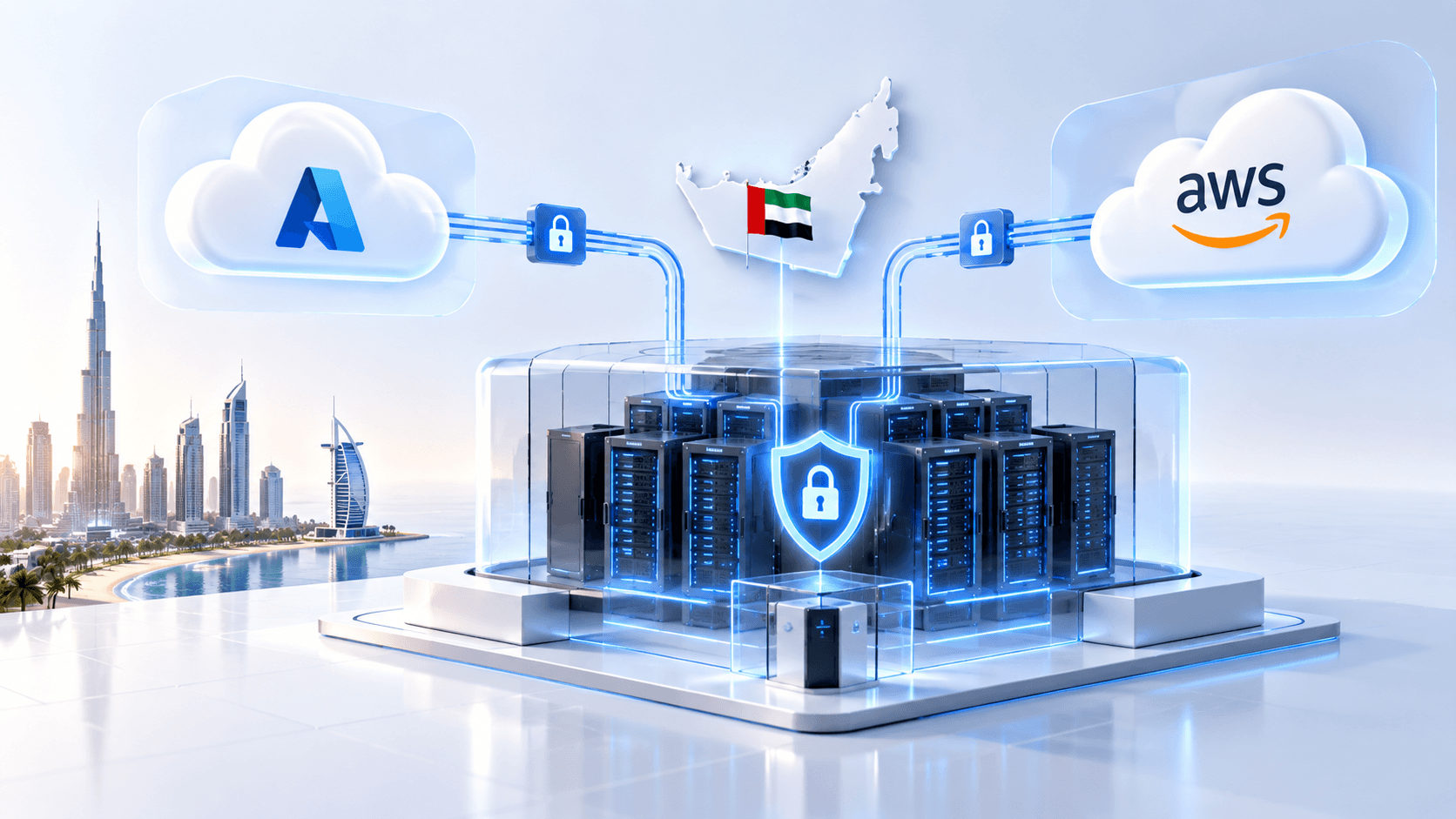
  • Residency: nodes, volumes, object storage and backups are pinned to the region you choose, which is the specific thing CBUAE outsourcing reviews and UAE PDPL assessments ask you to evidence

Running inside your own cloud tenancy is data residency, not physical disconnection. If your classification policy requires the latter, RA-03 is the topology to take into review.

Private cloud VPC topology with private subnets, private endpoints, GPU node group and no internet egress
Side by side

Choosing between the reference architectures

Same software in every column. The decision is about failure domains, boundary posture and how much platform capacity your team has to run it.

Choosing between the reference architectures
CriterionRA-01 Single nodeRA-02 HA on-premiseRA-03 Air-gappedRA-04 Private cloudRA-05 Multi-site DR
Minimum nodes167includes the registry mirror612 across 2 sites
GPU workers12 or more2 or moreAutoscaled poolscales on queue depthPrimary onlysecondary scaled to zero
Survives a node lossNoYesYesYesYes, and a site loss
Internet egressNot requiredNot requiredNot possibleNot configuredNot required
Image sourceLocal archivesInternal registryInternal mirrorno external pull possibleECR or ACRin your own accountMirrored both sites
Typical intake pathWatched folderObject store, APISMB or NFSS3 events, APIReplicated store
Best fitEvaluationStandard productionSovereign, defenceCloud-mandated firmsBusiness-critical

Minimum nodes

RA-01 Single node
1
RA-02 HA on-premise
6
RA-03 Air-gapped
7includes the registry mirror
RA-04 Private cloud
6
RA-05 Multi-site DR
12 across 2 sites

GPU workers

RA-01 Single node
1
RA-02 HA on-premise
2 or more
RA-03 Air-gapped
2 or more
RA-04 Private cloud
Autoscaled poolscales on queue depth
RA-05 Multi-site DR
Primary onlysecondary scaled to zero

Survives a node loss

RA-01 Single node
No
RA-02 HA on-premise
Yes
RA-03 Air-gapped
Yes
RA-04 Private cloud
Yes
RA-05 Multi-site DR
Yes, and a site loss

Internet egress

RA-01 Single node
Not required
RA-02 HA on-premise
Not required
RA-03 Air-gapped
Not possible
RA-04 Private cloud
Not configured
RA-05 Multi-site DR
Not required

Image source

RA-01 Single node
Local archives
RA-02 HA on-premise
Internal registry
RA-03 Air-gapped
Internal mirrorno external pull possible
RA-04 Private cloud
ECR or ACRin your own account
RA-05 Multi-site DR
Mirrored both sites

Typical intake path

RA-01 Single node
Watched folder
RA-02 HA on-premise
Object store, API
RA-03 Air-gapped
SMB or NFS
RA-04 Private cloud
S3 events, API
RA-05 Multi-site DR
Replicated store

Best fit

RA-01 Single node
Evaluation
RA-02 HA on-premise
Standard production
RA-03 Air-gapped
Sovereign, defence
RA-04 Private cloud
Cloud-mandated firms
RA-05 Multi-site DR
Business-critical

Node counts assume dedicated hardware. On virtualised infrastructure the same topology maps to VMs across separate hosts and datastores — what matters is the failure domain, not the metal.

See sizing for your page volume
Reference

Network ports, protocols and boundaries

Everything the platform listens on and everything it talks to. Nothing in this table requires a route to the public internet.

North-south — from your network into the platform

TCP 443 (HTTPS)
API gateway and admin console through your ingress. TLS 1.2 and 1.3, your certificates, HSTS enabled
TCP 443 (gRPC)
Optional gRPC surface for high-volume clients, multiplexed on the same ingress with ALPN
Any other inbound port
Not required. There is no second listener to expose and no management port outside the cluster

East-west — inside the cluster, mutual TLS

TCP 8443
Gateway to orchestrator. Job submission, status and result retrieval
TCP 50051
Orchestrator to layout/OCR, extraction and classification services over gRPC
TCP 8000
Retrieval and Ask services to LLM serving, OpenAI-compatible interface on the internal network only
TCP 6379
Redis 7.2 job queue and rate-limit state. Password plus TLS, never exposed outside the namespace
TCP 5432
PostgreSQL 16 with pgvector — job records, schemas, audit trail and retrieval index
TCP 9000 and 9001
S3-compatible object storage API and console when MinIO ships in-cluster

Outbound — to systems you already run

TCP 443 to your IdP
OIDC discovery and token validation, or SAML metadata. Internal endpoint, no internet path needed
TCP 636 (LDAPS)
Optional directory lookup where SCIM provisioning is not in use
TCP 5696 (KMIP) or 443
Key management to your HSM, KMIP appliance, Vault, AWS KMS or Azure Key Vault
TCP 445 or 2049
SMB or NFS mounts for watched-folder intake and result delivery
TCP 587 (SMTP)
Optional notification relay through your own mail infrastructure
The public internet
Never. No licence check, no telemetry, no model download, no fallback inference call

Observability and operations

TCP 9090 (scrape)
Prometheus metrics per service, including queue depth, GPU utilisation and pages per hour
TCP 4317 (OTLP)
OpenTelemetry traces exported to your collector. Disabled by default
TCP 8080 (health)
Liveness, readiness and startup probes. Cluster-internal only
Structured logs
JSON to stdout for Fluent Bit, Vector or your existing log pipeline. No document content is ever logged

Port numbers are chart defaults and can be overridden in Helm values. The one that cannot be overridden is the outbound internet path, because it does not exist.

Reference

Integration surfaces — how documents get in and results get out

Six ways in, five ways out. Every path lands in the same orchestrator queue and produces the same traceable output, so you can mix them without maintaining two pipelines.

Document intake

Watched folder
SMB or NFS mount polled on a configurable interval, with move-on-success and quarantine-on-failure semantics
S3-compatible object store
Bucket and prefix subscription driven by event notifications, or a scheduled scan where events are unavailable
DMS connectors
SharePoint and Microsoft 365, OpenText, Alfresco, and any CMIS 1.1 repository, with incremental change tracking
SFTP drop
Chroot-jailed intake directory for partner and branch submissions, key-based authentication only
Intake mailbox
IMAP or Microsoft Graph mailbox with attachment expansion, including nested MSG and ZIP archives
REST and gRPC API
Direct submission for interactive workflows, with synchronous and callback modes. OpenAPI 3.1 specification published

Result delivery

Structured JSON
Fields, tables and tokens with page numbers, bounding boxes and confidence scores, written to your object store
Webhook callback
Signed HTTPS POST to your endpoint on job completion, with configurable retry and dead-letter behaviour
Kafka or message bus
Completion events to a topic you own, for pipelines that are already event-driven
Database write-back
Direct insert into a schema you define, for teams who would rather not build a consumer
File exports
CSV, XLSX, searchable PDF and annotated overlay PDF for review, audit and archive

Clients and automation

SDKs
Python 3.10+, TypeScript on Node 20+, Java 17+, and a plain OpenAPI specification for everything else
Command line
Batch submission, schema management and health checks, suitable for cron and CI pipelines
Admin and reviewer console
Browser UI for review queues, schema design, taxonomy management, users, roles and audit search
RPA and workflow
Standard REST integration for UiPath, Power Automate, Camunda and similar orchestration tooling

Connector coverage for a specific environment is confirmed during the architecture review against the systems you actually run, not against a generic compatibility list. API reference material is published in the product documentation.

Design review

Taking a topology through your own architecture board

The six questions every review asks, and where the answer comes from.

  1. 1
    Question 1

    Where does the trust boundary sit?

    Pick RA-03 if your policy forbids a routable path outward, RA-04 if residency and tenancy are the concern, RA-02 if you simply want it in your own data centre. The software does not change; the evidence you produce for the board does.

  2. 2
    Question 2

    How much GPU do we buy, and when do we buy more?

    Start from monthly page volume and capability mix, size against roughly 1,800 pages per hour per L40S-class GPU, then scale on queue depth. The sizing page shows worked examples from 50,000 to 5 million pages a month.

  3. 3
    Question 3

    How do documents get in, and where do results land?

    Choose an intake surface that needs no new credentials — usually a folder or bucket your systems already write to. Results go back to object storage, a webhook or a database schema you define, so nothing new sits between DocxIntel and your line-of-business system.

  4. 4
    Question 4

    Who can see what, and how is that proved?

    OIDC or SAML at the edge with group claims mapped to roles, row-level access on review queues, and an append-only audit trail covering every view, edit, export and administrative action. The audit trail exports to your SIEM in JSON.

  5. 5
    Question 5

    What happens when something breaks?

    A GPU node failure re-queues in-flight page tasks and processing continues on the remaining pool. A control-plane node failure is absorbed by the quorum. A site failure is RA-05 territory, with a warm standby and a scripted, reversible failover.

  6. 6
    Question 6

    How do we patch it in three years?

    Signed images with a CycloneDX SBOM per image, cumulative releases so a long-offline cluster upgrades in one step, and an 18-month support window per LTS release. Your team rehearses the first upgrade with us and owns every one after that.

Architecture questions we get in every review

The specifics that decide whether a design gets signed off, answered without hedging.

No. Internal service-to-service traffic uses mutual TLS with certificates issued by the chart at install time, so you get encrypted east-west traffic without adding Istio or Linkerd. If you already run a mesh, the services register normally and you can hand certificate issuance to the mesh instead — both configurations are supported.

GPUs are only ever attached to the layout and OCR service, the extraction and classification services, and LLM serving. The gateway, orchestrator, worker pool, database and admin console are CPU-only. That separation is deliberate: it lets you scale the expensive tier independently, and it means a GPU node can be cordoned and drained without interrupting document intake.

The release bundle contains OCI image archives rather than registry references. You verify the cosign signature and SHA-256 manifest on the low side of your boundary, move the bundle across on encrypted media or through a one-way transfer gateway, then load the images into your internal Harbor or Artifactory mirror. Every Helm value points at that mirror, so no pod ever attempts an external pull.

The standard pattern is active-passive with asynchronous replication: PostgreSQL streaming replication to a warm standby, object-storage replication for source documents and results, and a full DocxIntel stack pre-installed but scaled to zero GPU workers at the secondary site. Typical targets are a 15-minute RPO and a 60-minute RTO, both of which you should validate in a failover drill rather than take from a datasheet.

Yes, and most production sites work that way. A watched folder over SMB or NFS, an S3-compatible bucket with event notifications, a DMS connector polling a library, an SFTP drop or an intake mailbox all feed the same orchestrator queue as a direct API call. Results are written back to object storage, posted to a webhook or pushed onto a Kafka topic, whichever your downstream system expects.

Your existing L7 load balancer or ingress controller terminating TLS with your certificates, your identity provider issuing OIDC or SAML tokens, and — if policy requires it — a web application firewall in front of the ingress. DocxIntel does not expect to be the outermost layer and does not need to be internet-facing at all.

Keep reading

Deployment models→Air-gapped, private cloud, managed single-tenant and evaluation sandbox, compared in depth.Sizing and throughput→Worked capacity examples from 50,000 to 5 million pages a month, with GPU, CPU and storage figures.What's in the box→The nine services, the open-weight models, the Helm chart and the security pack that ship together.Security architecture→Isolation, key custody, audit trails and how controls map to the frameworks your auditors use.API reference→Endpoints, payload shapes, authentication and callback behaviour for the submission API.Proof of Value→Validate the topology and the accuracy threshold on your own hardware before you commit.

Send us your architecture. We will mark it up.

Bring your cluster, your storage platform and your intake path to a technical session, and leave with a topology, a prerequisite checklist and a sizing figure you can defend.

Talk to an engineer
How the Proof of Value works
  • No per-page metering
  • Runs in your environment
  • Written accuracy threshold
DocxIntel Logo

A product of BizfyLabs

Document intelligence that never leaves your building. Analyse, identify, classify, map, modify and ask — inside your own infrastructure.

BizfyLabs on LinkedInDocxIntel documentationBizfyLabs

Product

  • Capabilities
    • Analyse
    • Identify
    • Classify
    • Map
    • Modify
    • Ask
  • Accuracy benchmark
  • Pricing
  • Proof of Value

Technical

  • Deployment models
  • Reference architectures
  • Sizing & throughput
  • What's in the box
  • Security posture
  • Model licences
  • Documentation
  • API reference

Solutions

  • All industries
  • Insurance & TPAs
  • Healthcare
  • Banking & finance
  • Government
  • Legal
  • Energy & logistics

Compare

  • Compare approaches
  • LlamaParse alternative
  • Docsumo alternative
  • On-premise document AI

Company

  • About DocxIntel
  • FAQ
  • Partners
  • BizfyLabs
  • Careers
  • Contact

© 2026 BizfyLabs FZC LLC. All rights reserved.

DocxIntel™ is a product of BizfyLabs FZC LLC.

  • Privacy Policy·
  • Terms of Service·
  • Data Processing Addendum·
  • Acceptable Use·
  • Model Licences·
  • Security·
  • Cookies

Registered in the United Arab Emirates. Delivery partner: Bizfy Solutions LLP, Indore, India.

DocxIntel